
GTA 6 file size: how much space you need on PS5 and Xbox Series X|S
It's official: GTA 6 needs up to 212 GB free on PS5 and Xbox Series X|S, and the preload is open since Nov 10. Space on each console and what to do on Series S.
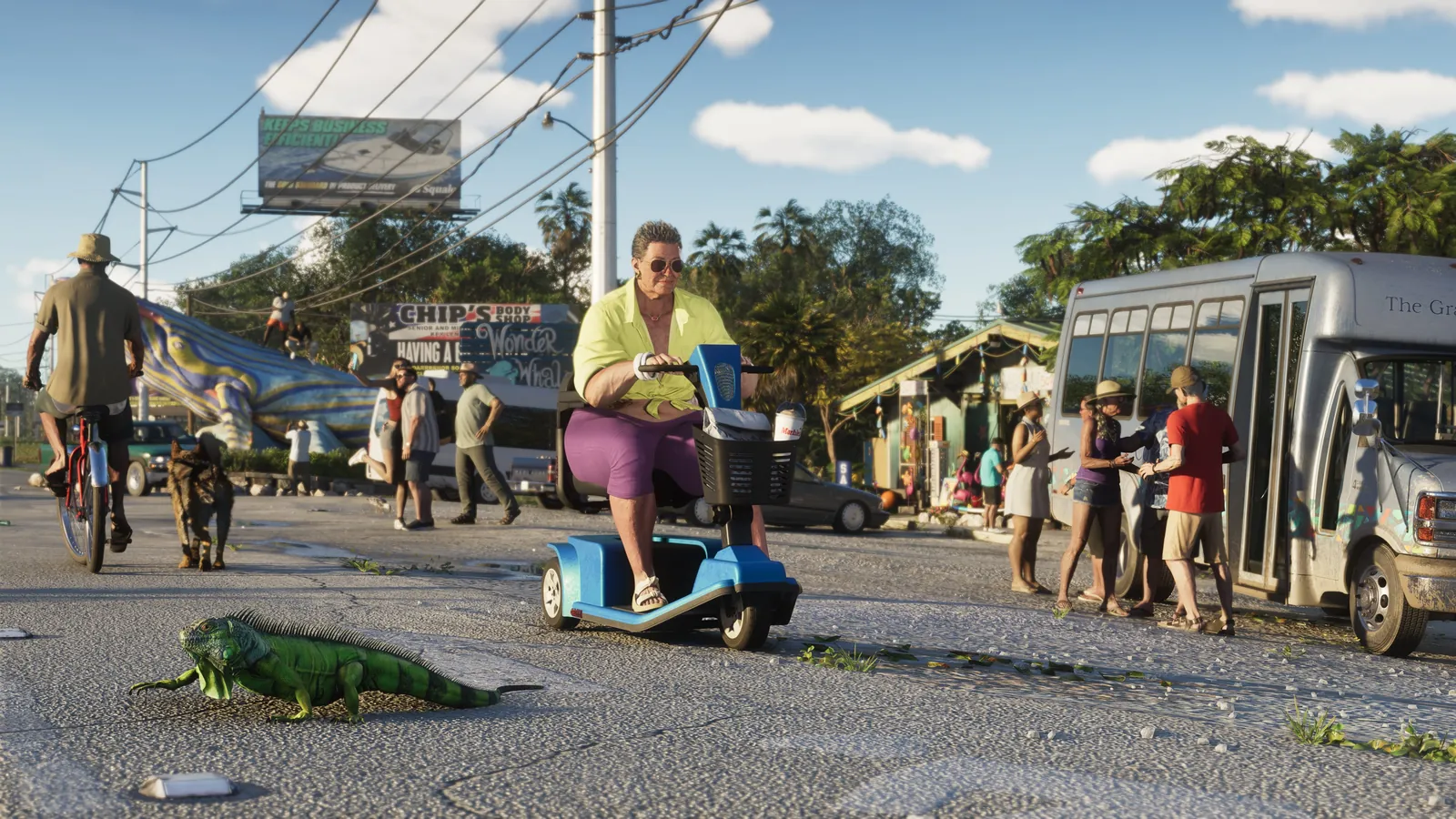
It’s official: GTA 6 needs up to 212 GB of free space. Rockstar confirmed it when it announced the preload, which opened on November 10, 2026, and says the figure varies slightly by console. Leave a bit more than 212 GB for the day-one patch.
Official size
| Size | |
|---|---|
| Free space Rockstar asks for | Up to 212 GB |
| PS5 (as shown while downloading) | About 210 GB |
| Xbox Series X|S (as shown on the console) | About 210 GB (225 GB on the store listing) |
Before the official figure, estimates ranged from 100 to 200 GB — they fell short. For reference, GTA 5 takes about 87 GB on PS5, and Red Dead Redemption 2 is over 100 GB.
How much space does your console have?
| Console | Total storage | Approx. usable space |
|---|---|---|
| PS5 (original) | 825 GB | ~667 GB |
| PS5 Slim / PS5 Pro | 1 TB / 2 TB | ~848 GB / ~1.8 TB |
| Xbox Series X | 1 TB | ~802 GB |
| Xbox Series S | 512 GB | ~364 GB |
Xbox Series S owners will feel it most: GTA 6 takes more than half of its usable space. Clear room now: the preload is open.
Can I play GTA 6 from a USB hard drive?
No. A USB drive can store games, but current-gen games can’t be played from it. Sony says it plainly: PS5 games can’t be played directly from USB extended storage. On Xbox Series X|S, games optimized for the console must run from internal storage or the official expansion card.
What you can do is move other games to the USB drive to free up internal space for GTA 6, then move them back later without downloading them again.
How to check your free space
- PS5: Settings → Storage → Console Storage.
- Xbox Series X|S: Settings → System → Storage devices. You can also sort “My games & apps” by size to see what to delete first.
Getting your console ready
- Clean up now. You can always re-download games you delete.
- Check saved screenshots and video clips — they take more space than you’d think.
- Running tight? Consider expanding storage: a compatible M.2 SSD on PS5, or an official expansion card on Xbox Series.
- Leave extra headroom. During installation and patching, the game can temporarily need more space than its final size.
Next: what time GTA 6 unlocks in your time zone and price and editions.
More GTA 6 guides
- What time does GTA 6 come out? Confirmed unlock time by US time zone
- GTA 6 preload: it's open now — how to download on PS5 and Xbox
- GTA 6 price: Standard vs. Ultimate Edition, pre-order bonuses and what's in the box
- Is GTA 6 on Game Pass or PS Plus? No — here's what's confirmed
- GTA 6 gameplay: wanted levels, Heat, money, car theft and Jason and Lucia, explained